
An AI poster generator that runs in Claude Code
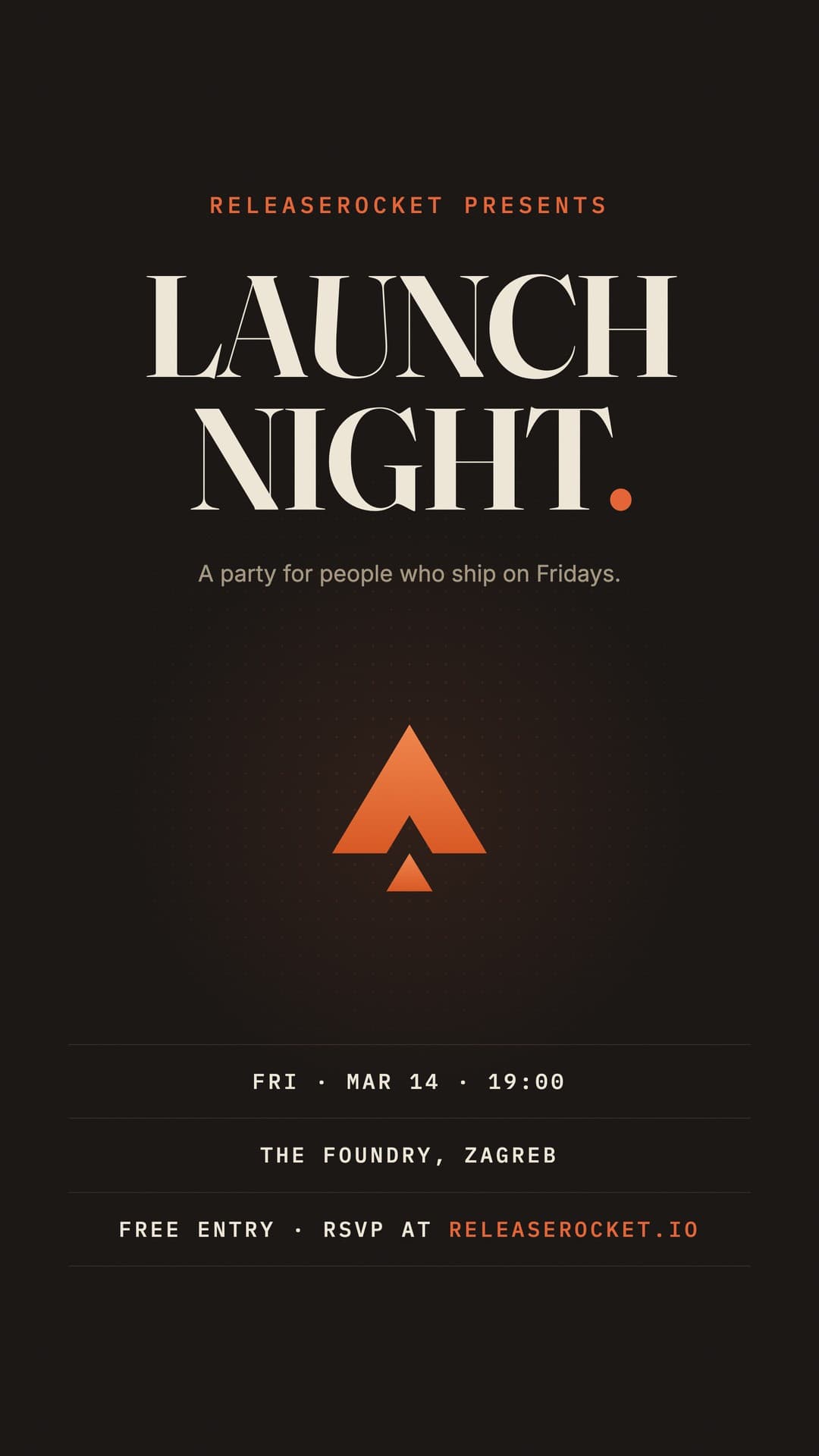
I built Poster Maker to make my own marketing graphics without opening Canva or Figma. You describe a flyer, poster, or social graphic in Claude Code, it writes the design as a single HTML file, and a Playwright script exports a high-res PNG or PDF. The headline stays real text. The spacing, colors, and type stay editable CSS.
> /new-poster launch party flyer, ember on dark
✓ Designed posters/launch-party-flyer.html
> /export-poster launch-party-flyer.html
✓ Exported exports/launch-party-flyer.png · 2160×3840
What it makes
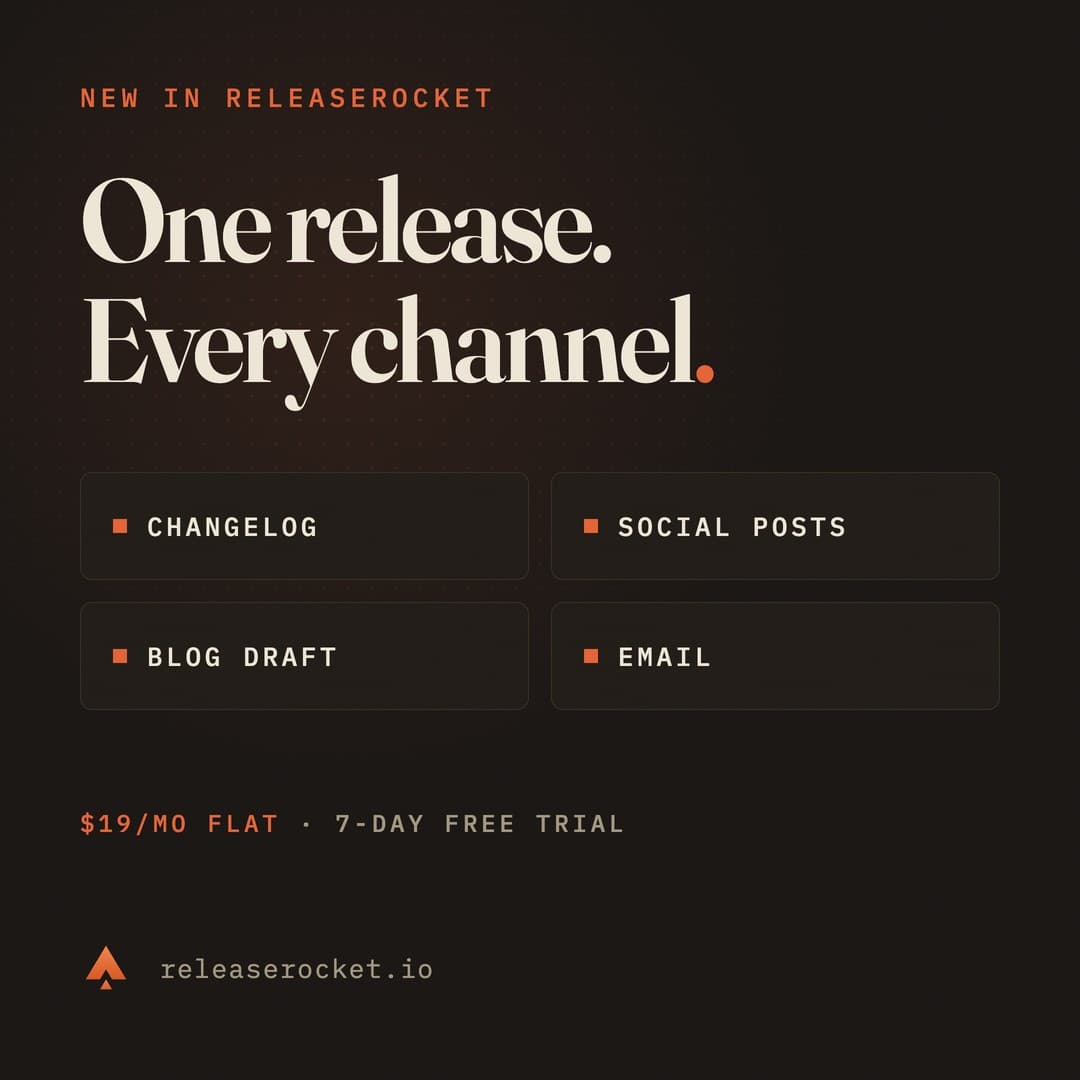
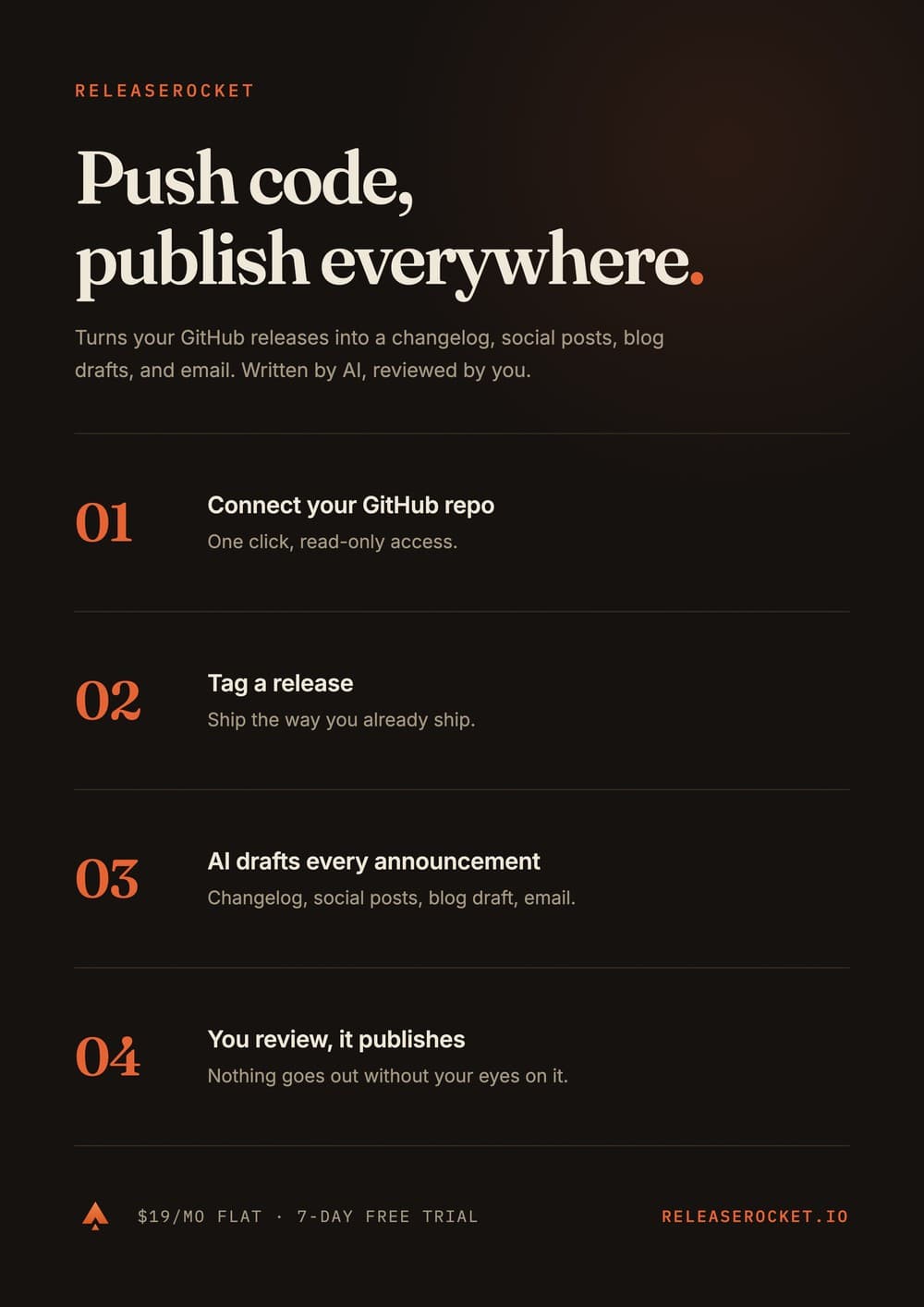
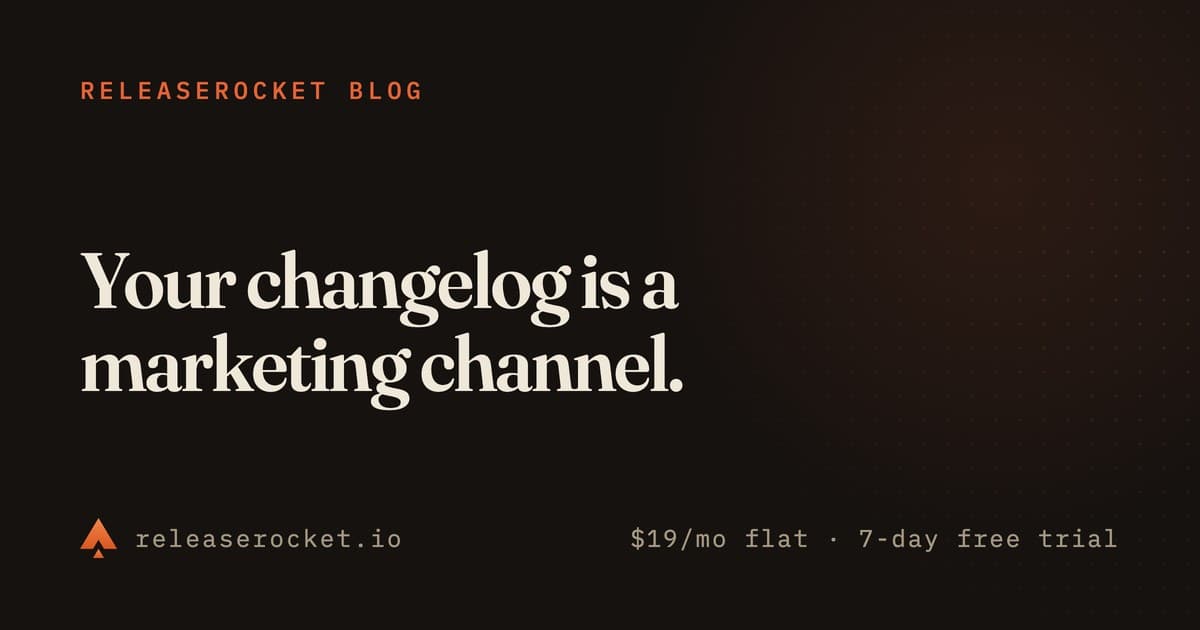
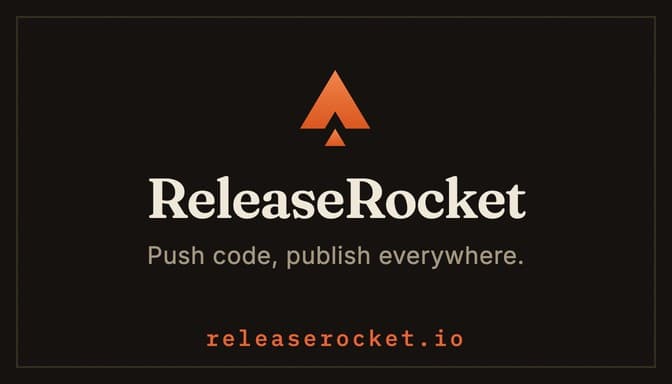
Every image below is a single HTML file from the repository, exported with the included Playwright script. The brand on them is ReleaseRocket, my SaaS. Its real marketing runs through this tool.


How it works
Describe it
Run /new-poster with the content, mood, colors, and format. Nine formats are built in, from Instagram Story to A4 to business card, plus any custom pixel size.
Claude designs it
One HTML file with all CSS inline. Google Fonts for typography, pure CSS for gradients, glows, and grain. No frameworks, no build step.
Iterate in plain language
"Make the title bigger." "Darker, more contrast." "More underground." Claude edits the file, re-renders the preview, and shows you the result.
Export
PNG at 2x device scale, so a 1080×1920 story becomes a 2160×3840 file. Posters sized in mm or inches export at 4x (384 DPI) and as PDFs with the true physical page size, ready for print.
Why the posters are code
Real text, not pixels
An AI image generator paints the headline into the raster. Here the headline is markup you can change in one edit without redrawing anything.
Everything is in Git
Posters diff, branch, and version like the rest of your repository. Last month's flyer is one copy away from this month's.
The design system is plain text
Font pairings, layout rules, and Instagram safe zones live in editable command files. Tweak them once and every future poster follows your style. No template editor gives you that layer.
Put a live website in a poster
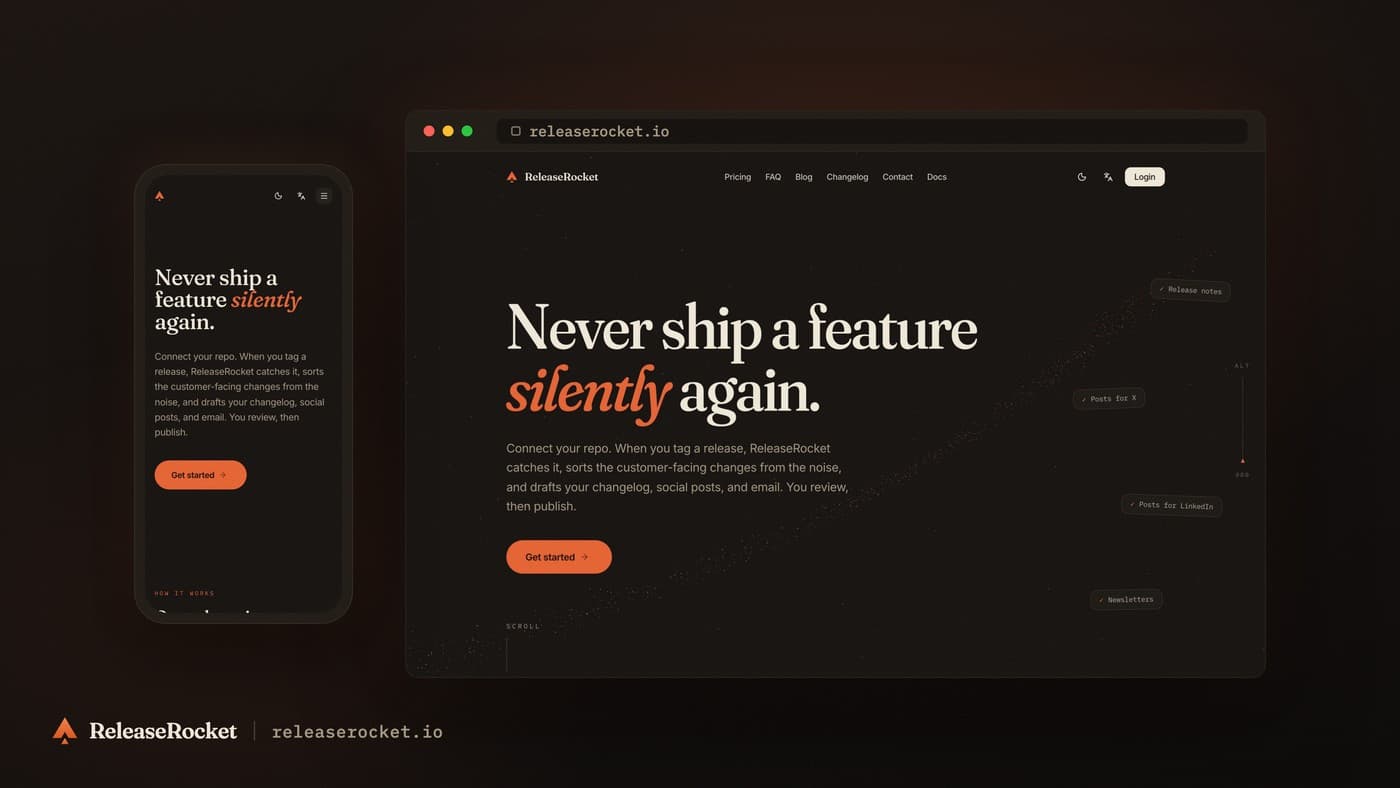
One script captures any URL at real device viewports, desktop and mobile, with GPU rendering on so WebGL pages actually paint. Drop the shots into the included device-showcase template and export. This dark capture of releaserocket.io came out of exactly that flow.
How it compares
Poster Maker vs Canva and Figma
Poster Maker fits when you would rather describe the design and keep the source in Git as HTML and CSS. Canva fits when you want a visual template editor non-technical teammates can use. Figma fits when you need manual control and live collaboration. I use Poster Maker because my design tool of choice is a prompt.
Poster Maker vs DALL-E and Midjourney
Image generators produce raster images, great for illustrations and photo-like artwork, but nothing is editable afterwards. Poster Maker produces exact, editable text and layout as code. The two combine well: generate artwork, drop it in the assets folder, and use it inside a Poster Maker layout.
Poster Maker vs Satori and og-image
Satori and og-image generate images from markup programmatically, which fits templated pipelines like an OG image for every blog post. Poster Maker is an authoring workflow: Claude designs and revises individual posters in a conversation.
FAQ
Is Poster Maker free?
Yes. Poster Maker is free and open source under the MIT license. Claude Code itself is a separate product and needs a paid subscription or API budget.
How do I make an event flyer with AI?
Clone the repository, run /setup, then describe the event with /new-poster: title, date, venue, style, colors. Review the preview, ask for changes in plain language, and export the finished flyer as a PNG or PDF.
Can it make print posters?
Yes. Posters sized in mm or inches export as PDFs at the true physical page size and as PNGs at 384 DPI.
Does it work on Windows or Linux?
Rendering and exports run anywhere Playwright runs. The commands assume macOS in one spot: they call open to preview results, so tell Claude to use xdg-open or start instead.
Do I need design skills?
No. You describe what you want and give feedback in plain language. The design principles built into the commands handle typography, hierarchy, and color. You still review the result, especially before print.
Is Poster Maker an official Anthropic tool?
No. It is an independent open source project of mine, one of the Claude Code tools on my projects page. It runs inside Claude Code through its slash commands and is not affiliated with Anthropic.
Which model should I use?
The most capable one available to you. Poster design leans on the model’s taste, and layout quality tracks the model tier directly.
Try it
Poster Maker is a free, open source poster maker for Claude Code. Clone it and run /setup:
$ git clone https://github.com/dabodamjan/poster-maker.git
$ cd poster-maker && claude
> /setup
I'm Damjan Dabo, an indie developer in Croatia. I also build ReleaseRocket, which is why the examples carry its brand. More of what I'm building is on the projects page.